



2026 social media account-management guide
How to Check Instagram Unfollowers Safely: Manual Methods, Data Download, and App Risks
When your follower count suddenly drops, it is natural to wonder who left. Instagram, however, does not provide one official screen that neatly lists everyone who unfollowed you. The safest approach is to check specific accounts manually or compare follower and following data from Instagram’s official data-download feature.
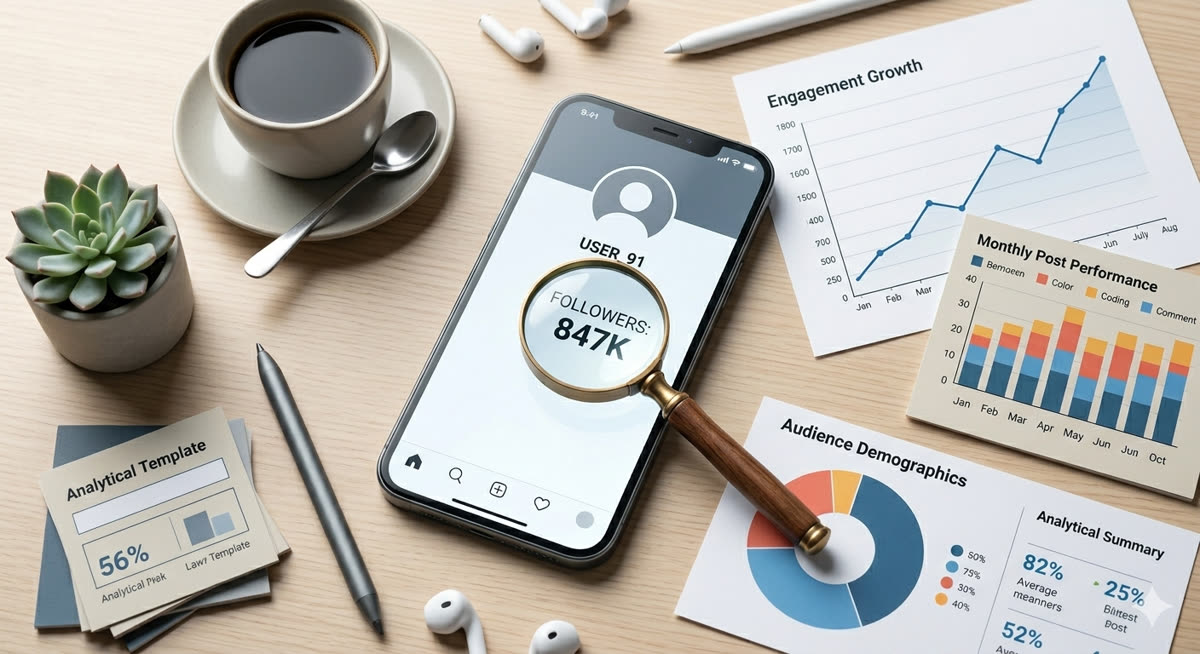
This guide explains the realistic ways to check Instagram unfollowers in 2026 without handing your password to risky third-party tools. The goal is not to create more stress around numbers, but to manage your account safely while keeping your login information protected.
Basic facts about Instagram unfollower checks
- Instagram does not officially show a “recent unfollowers” list.
- The safest options are manual checking and official data download comparison.
- Third-party unfollower apps may ask for login credentials and can create account-security risks.
- Creators, blog-promotion accounts, brand accounts, and affiliate-marketing accounts should treat account security as more important than follower curiosity.
Method 1. Check manually
If you only want to verify a few people, manual checking is the cleanest method. Open the account you want to check, look at its following list, or search for your own username from that account’s follow list where possible. It takes more time, but it does not require giving your login details to another service.
Method 2. Use third-party unfollower apps carefully
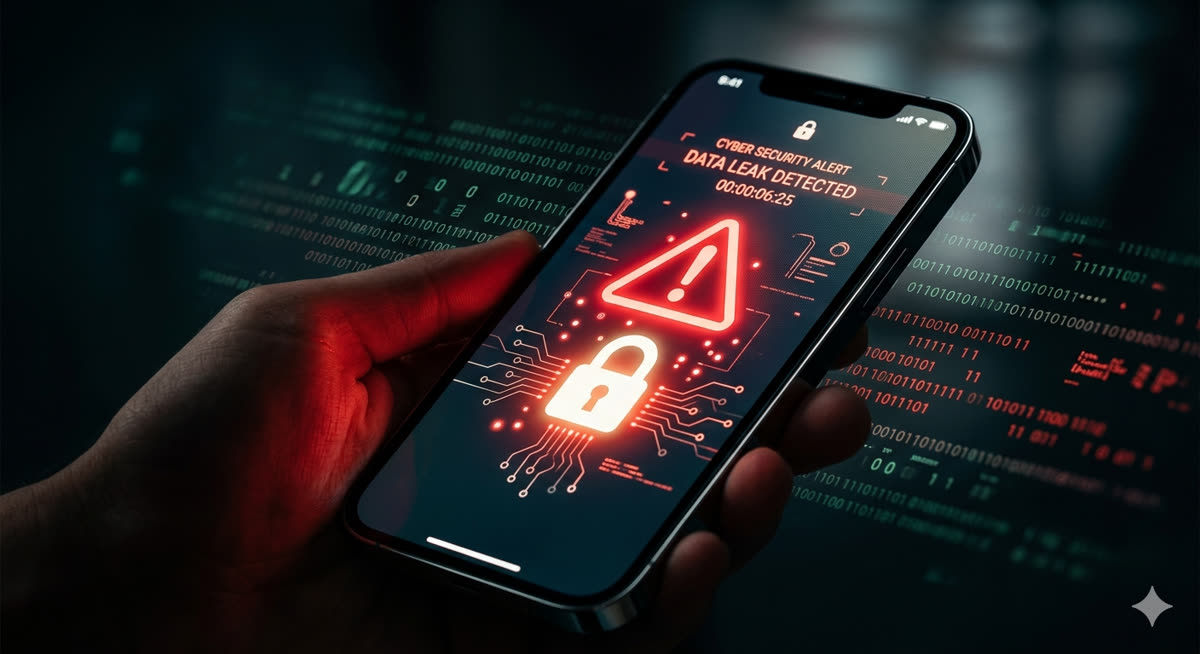
Unfollower apps look convenient because they promise quick lists such as “users who unfollowed me” or “non-followers.” The problem is that some services ask for your Instagram ID and password, run automated actions, or trigger unusual login patterns. Before using any app, consider whether convenience is worth the risk to your privacy and security.
Before using an outside app, check these points
- Does it ask for your Instagram password?
- Does it promise mass unfollow or automated activity?
- Does it have a clear privacy policy and recent reviews?
- Can you revoke access if something feels wrong?
- Have you enabled two-factor authentication first?
Method 3. Use Instagram’s official data download
A safer way is to download your account information from Instagram and compare the follower and following lists yourself. This is not as fast as a one-tap app, but it uses Instagram’s own data-export feature rather than giving your password to a third party.
- Open Instagram settings and account center.
- Find the option related to “your information” or “download your information.”
- Request follower/following data where available.
- Open the downloaded files on your own device.
- Compare follower and following lists carefully.
Simple comparison with Excel or spreadsheets
If you are comfortable using a PC, you can copy the follower list into one column and the following list into another column, then compare the two lists with a spreadsheet. Avoid pasting your data into unknown web tools, because follower and following lists can still be personal account data.
Comparison of the three methods
- Manual check: safest for a small number of accounts, but slow.
- Third-party app: convenient, but risky if it asks for login information or performs automation.
- Official data download: safer for full-list comparison, but takes more steps.
How to avoid account restrictions
Do not repeatedly log in through many tools, do not use services that mass-unfollow accounts, and do not perform hundreds of follow/unfollow actions in a short time. Keep two-factor authentication turned on and review connected apps regularly.
Recommended account-management routine
A practical routine is to check follower changes about once a month, clean your following list slowly, review security settings, and spend most of your energy on better posts rather than obsessing over every unfollow.
FAQ
Does Instagram officially show who unfollowed me?
No. Instagram does not provide a simple official list of recent unfollowers.
Are unfollower apps always dangerous?
Not every app is automatically malicious, but apps that ask for your password or run automation can increase account risk.
Is the official data-download method safer?
Yes, because it uses Instagram’s own export function. Still, keep the downloaded files private.
Can I mass-unfollow people after checking?
It is better not to. Large repeated actions can look abnormal and may lead to restrictions.
Final note
Checking Instagram unfollowers can be useful, but your account security matters more than a single follower count. Use manual checks or official data export first, treat outside tools with caution, and make unfollower checks a light maintenance routine rather than a source of stress.
#Instagram #Unfollowers #InstagramTips #SocialMediaManagement #AccountSecurity #FollowerManagement #InstagramDataDownload